Your files, protected and yours — not dependent on a cloud account, a vendor's terms, or a service that might not exist in ten years.
Syncing your phone or laptop to the cloud is convenient and, with modern security practices, reasonably safe. But experts agree: syncing files to the cloud, by itself, is not a backup plan.
If you're locked out of your cloud account for any reason, access to your entire digital archive can disappear in an instant. Account lockouts happen — through system errors, hacking attempts, or payment disputes. Terms and conditions can change overnight. (Remember when personal data archives were suddenly eligible for AI training, without a clear way to opt out?) Cloud storage vendors raise prices, change policies, and occasionally shut down entirely.
And even if none of that happens — what does "getting your files back" actually look like? I've been through it. Downloading a large archive out of Google Drive is slow, tedious, and complicated. What should take minutes can take days.
But the deeper issue is this: syncing isn't backing up. If your computer gets hit with ransomware and it starts encrypting your files, those encrypted versions will sync to the cloud — possibly before you even notice. If you accidentally delete something, automatic sync may push that deletion everywhere before you can save it. Unless you're actively managing version history and retention policies, files that disappear from one place can disappear from everywhere.
The cloud is a great tool. It's fast, convenient, and genuinely useful as part of a real backup strategy. But it's one part — and treating it as the whole plan leaves you one bad day away from losing everything.
Experts agree on what real data protection requires: three copies, two different media, one off-site. It's called the 3-2-1 rule.
No single accident takes everything. One failure — a dying drive, ransomware, an accidental delete — can't cascade to your entire archive at once.
A catastrophe affecting one type of storage doesn't take the other. Your cloud backup doesn't help if it already synced the encrypted versions of your files.
A house fire, flood, or theft can't take your backup along with your original. Cloud covers this leg well — as one part of the plan, not the whole thing.
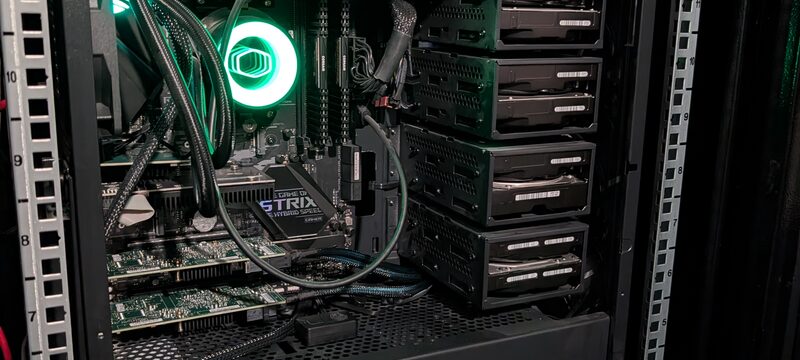
Cloud covers the off-site leg. The missing pieces for most people are local and offline: a NAS for fast, redundant local storage with snapshots you can roll back without touching the cloud — and a cold archive that's physically offline, immune to ransomware, and available even when your internet or cloud account isn't. That's the full plan.
Three services that work together — or separately, depending on where you are in building your backup plan.
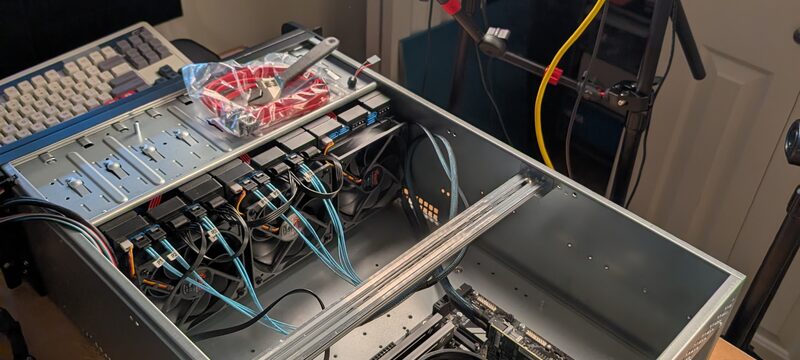
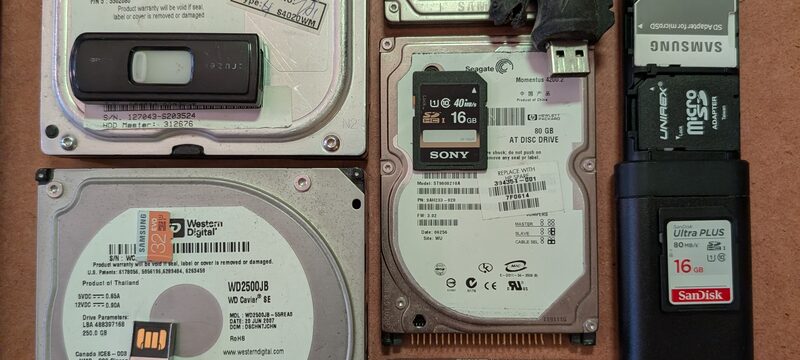
Hard drives fail. SSDs degrade silently. USB drives get lost. CDs and DVDs from the 1990s are already failing in collections across the world — a process called disc rot. Every storage medium you rely on today has a lifespan, and most are shorter than you'd expect.
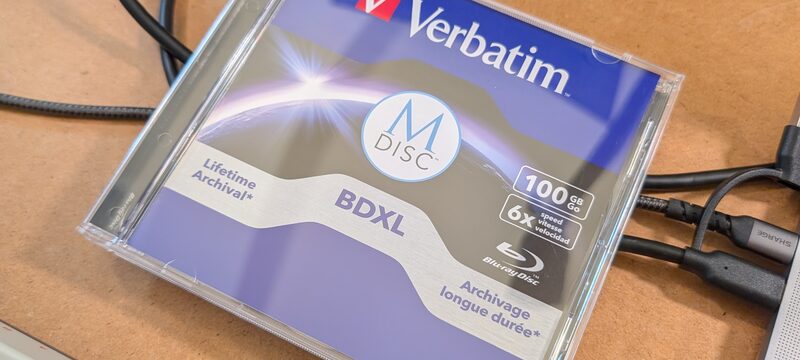
MDisc is different. Where conventional optical discs store data in a dye layer that fades over time, MDisc uses a stone-like inorganic layer — physically etched by laser. It doesn't fade, it doesn't oxidize, and it doesn't depend on magnetic fields or electrical charge. Independent testing has rated MDisc for over 1,000 years of archival stability.
More importantly for backup purposes: MDisc is write-once. Once your data is burned, nothing can overwrite or delete it — not ransomware, not an accidental command, not a bad actor with your password. A disc that can't be encrypted is the only backup medium that's fully ransomware-proof.
This makes MDisc the ideal cold archive — the offline, physical leg of your 3-2-1 backup plan. Your family photos, legal documents, creative work, and irreplaceable files, preserved in a format that will outlast the hardware that created them.
What do you have, where is it, and what are you most at risk of losing? We map your current situation and identify the gaps in your backup plan.
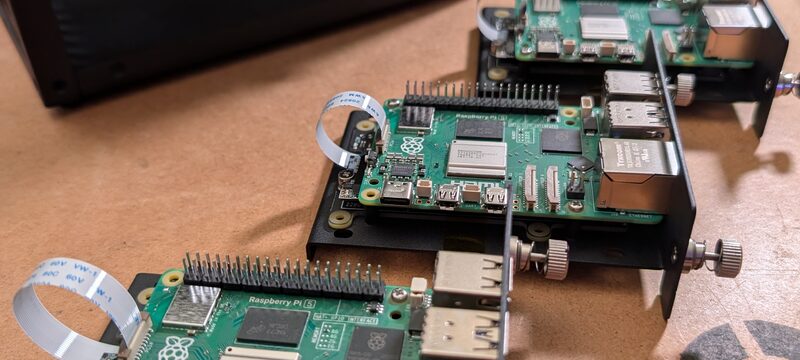
Spec and configure your local storage — the right hardware at the right size, set up with redundancy and snapshots from day one.
Move your existing files — old drives, USB sticks, physical media — into your new archive. Organized, deduplicated, and consolidated.
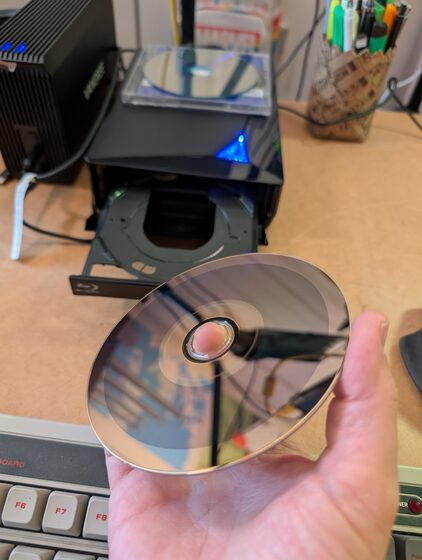
Burn a permanent offline copy to MDisc. Cold storage that ransomware can't touch and hardware failure can't take — the final leg of your 3-2-1.
Two of the most common requests — available as pre-configured, ready-to-use systems.
Whether you need a NAS setup, a data migration, an MDisc archive, or all three — every project is scoped and priced to match what you actually need. Tell me where you're starting from.